Building this website
My website is an evolution of who I want to show and tell. It has gone through a lot of iterations to find the balance between art, narrative, and a real reading experience.
It all started with me thinking: "How can I explain ALL I have done?" The reality is that I have done so many things that at this point it's hard to show and tell. I think it's also cool to show what I can build.
The brand: who am I + what I have built
It took me some time to come up with a name. I did not want my portfolio to be just my name and my last name. I have a very common set of both — plus it felt boring and not in line with what I was trying to show.
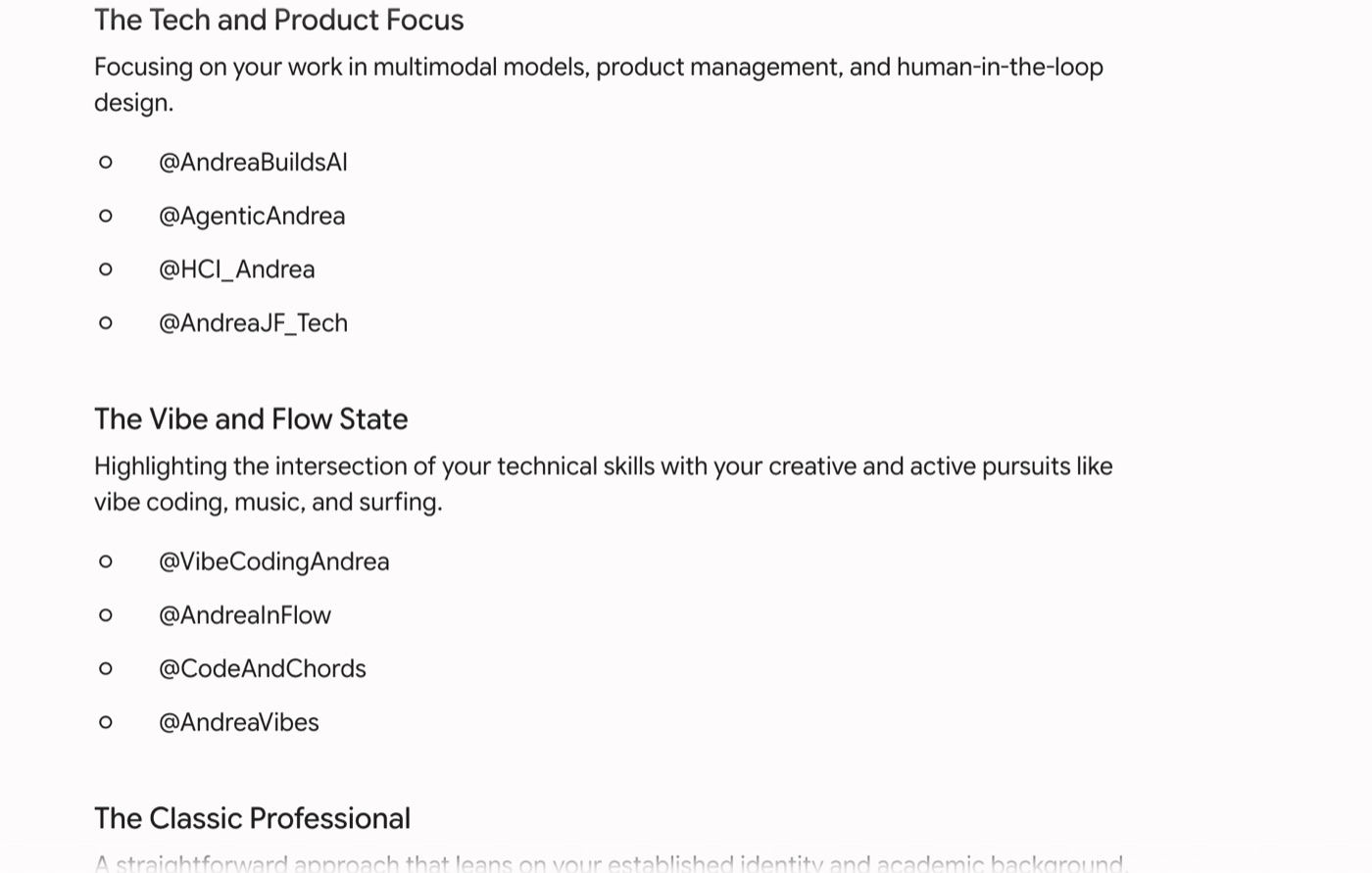
I wanted it to show my engineering skills. I went through many names, my nicknames, and other potential ways of calling my site. It was hard to find domains that weren't already taken.
One day, in one of my classes, I thought about Andrea builds. I did a fast domain search and found andreabuilds.com available. I went to Cloudflare and bought it immediately.
The building
I did not want to use a prebuilt website. For many reasons — I wanted it to be unique to me, I wanted to code it, and I wanted to test how far vibe coding could get me.
I took advantage of Cloudflare being very open to self-development, and of how I could host it on my GitHub, like many other AI researchers do.
I started pivoting ideas with AI chatbots — giving them what I was thinking, idea-dumping, and asking for PRDs and TRDs based on our conversations.
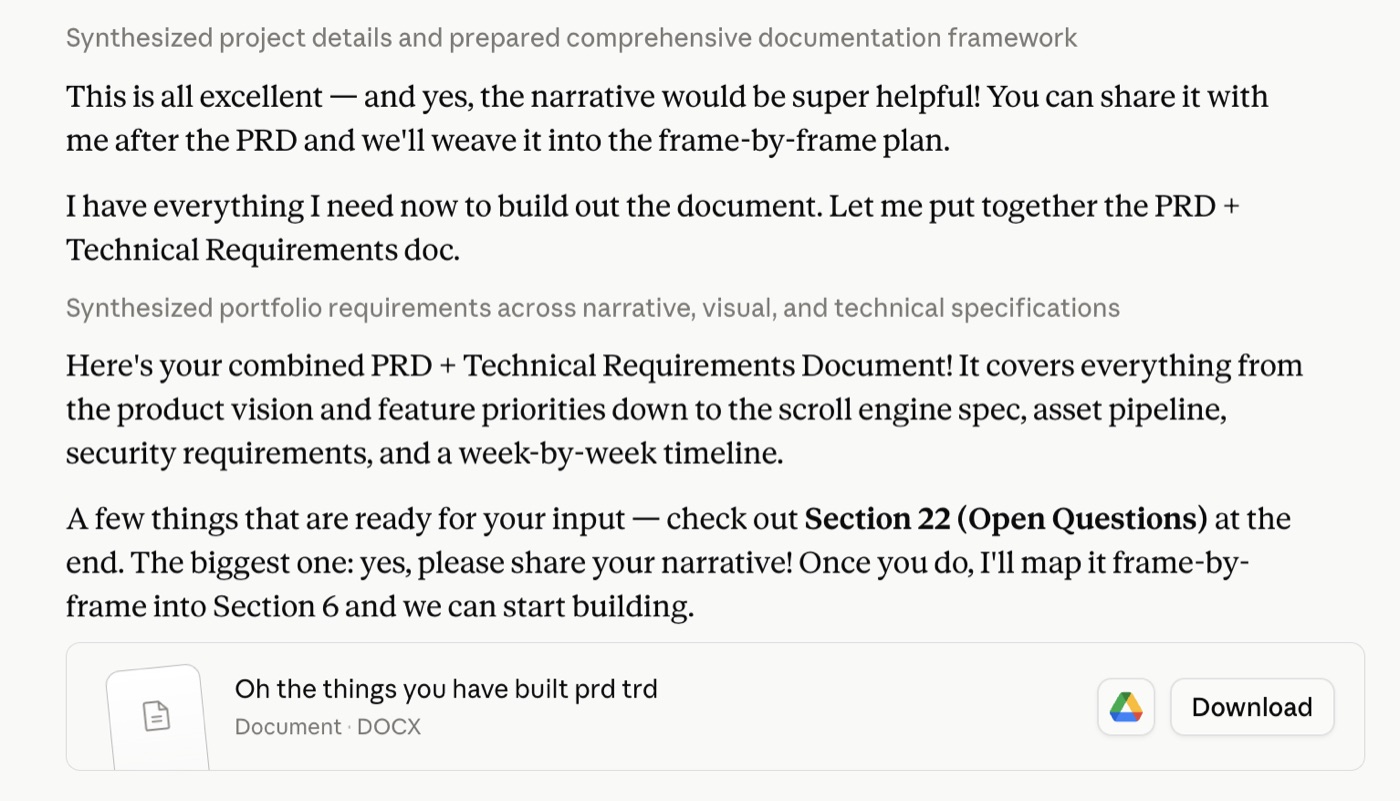
I wanted it to be an interactive video game that moved along the timeline of what I have built and showed my journey. I wanted it to be inspired by the Dr. Seuss book Oh, the Places You'll Go!, and my initial title was: "Oh, the Things You Have Built." I even generated a picture of me among all the places I'd go.

I wanted to mix GenAI with real art, and vibe coding with real coding. And add stop-motion pictures through the journey.
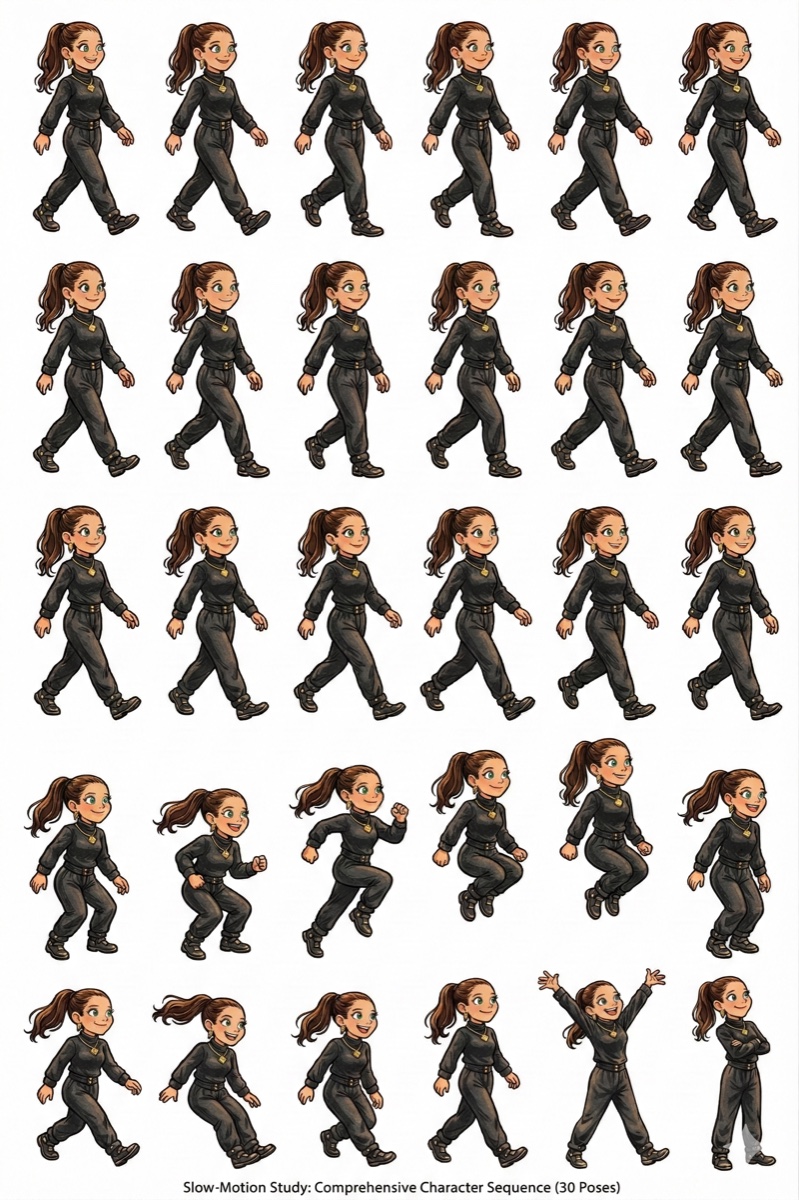
Very cool! But extremely hard to follow as a reader. Yes, it showed my capacity for building, but it was also slow, and the user experience was terrible.
So I iterated — again testing the creative capabilities of different AI models to help me ideate and figure out what I actually liked and wanted.
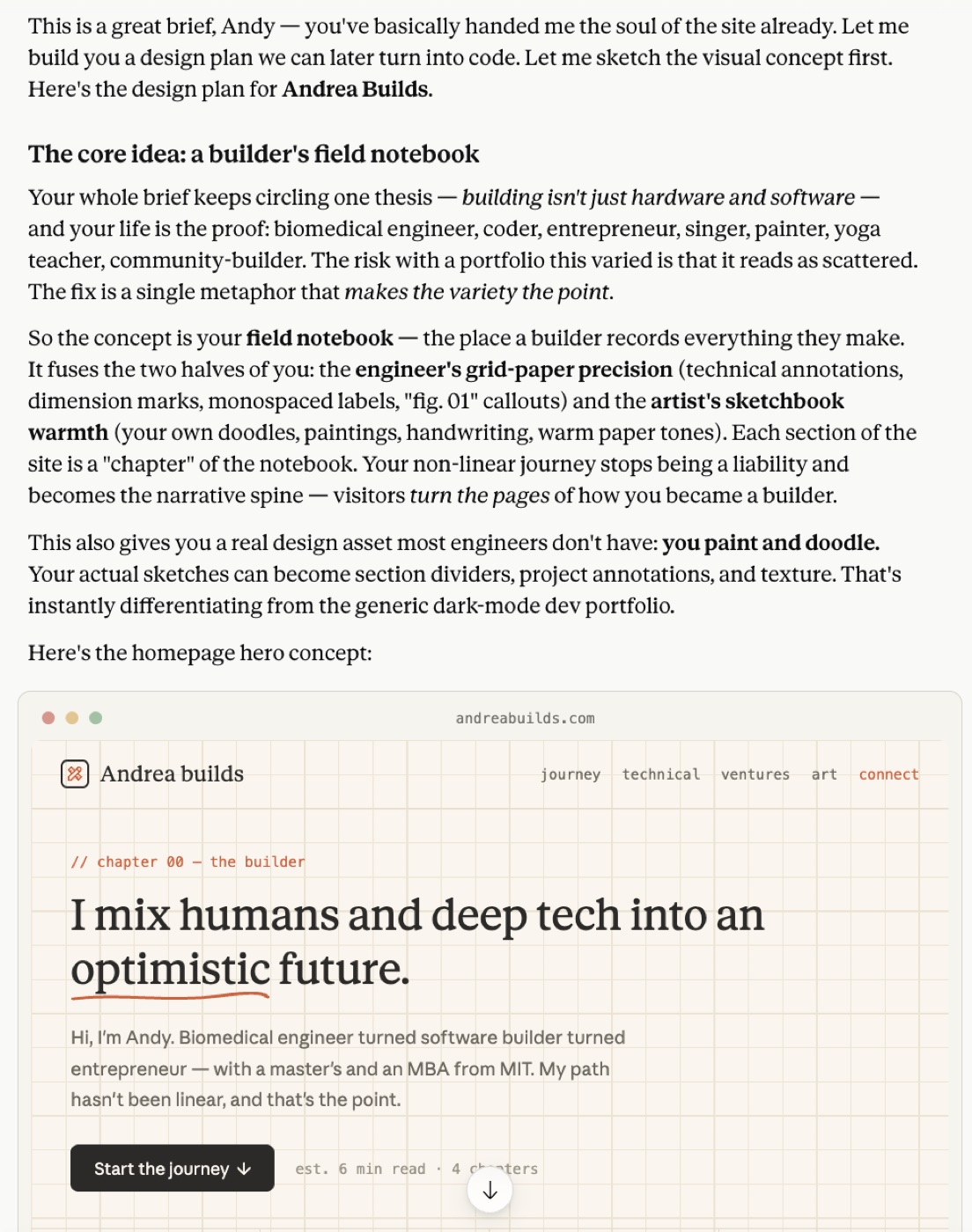
We ended up thinking of a blog-type site, and less of a video game. But the vibe-coded initial draft still wasn't capturing my essence.
So I thought again. Who am I, what do I like, what do I enjoy?
I ended up remembering one of my favorite painters: Rachel Ruysch. I thought about how much I love flowers, and how I could show my journey as a more "static" display — still using art, still using narrative and other interactive tools. It has gone through many iterations to adapt to multiple screens.
I did not want my website to look generic, but I also didn't want it overcrowded with animations and scrolly features.
At some point I remembered how MySpace was this super personalized way of showing your profile, and I decided I wanted to go back to the golden days. Show nice things. I even wanted to add a "what I'm listening to" feature via the Spotify API, to give that vibe of visiting a retro profile.
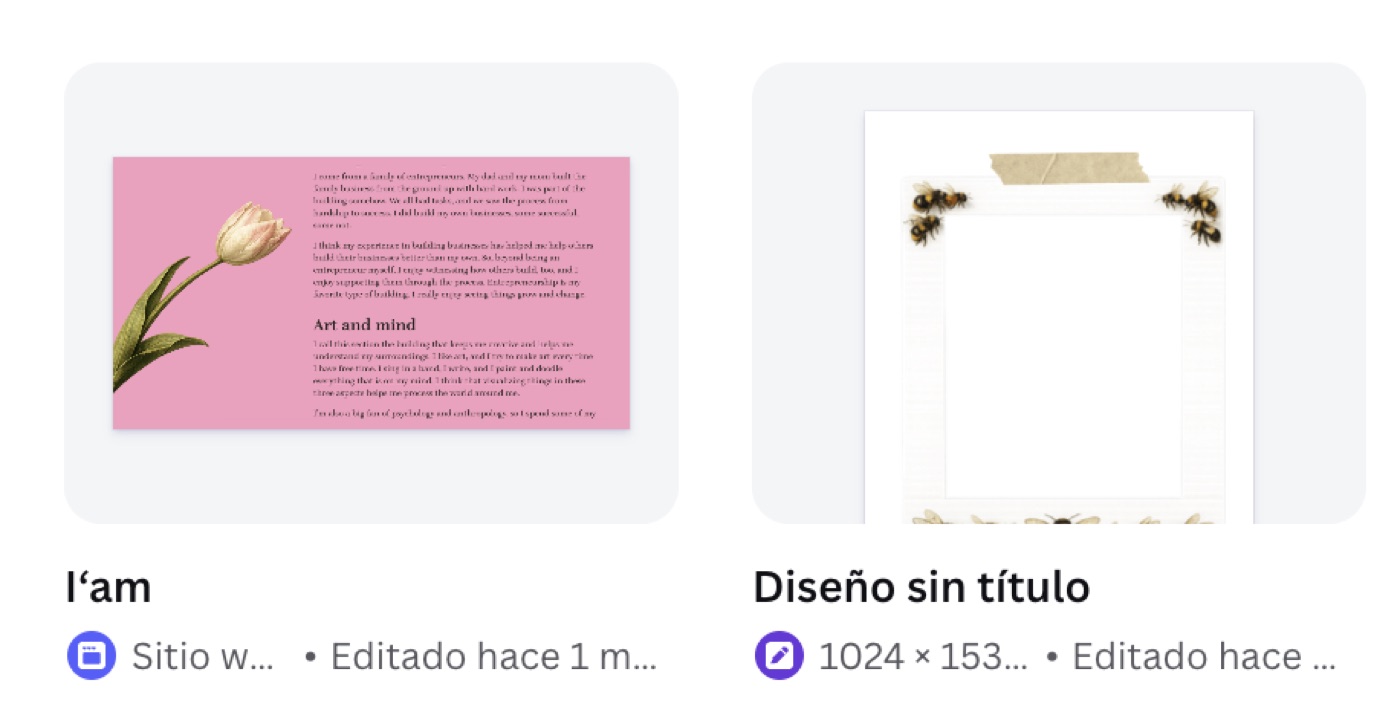
Creating each stop-motion flower, positioning it in the right place, thinking about what would look cool and interesting — that has taken me longer than building the website itself with coding tools. I've had to use GenAI image generators, Photoshop, and other manual tools to design and paint my flowers.
It has been an amazing journey in taste, and in understanding that with AI tools you can build fast — but thinking, being creative, and making something personal takes time.
The trap of over-engineering is real, too. I could build forever, but would that make it the best? Be prepared to read my next post: "Just because you can doesn't mean you should" — on how GenAI tools have made product taste and an understanding of users and problems more important than ever.